Institutional Proposal Actions
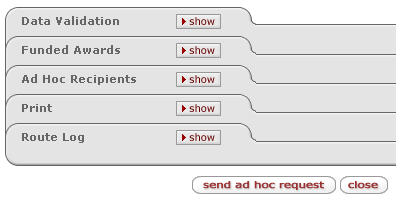
The Institutional Proposal Actions page of the Institutional Proposal document is used to validate key data and print notifications and reports.
|
Section (linked to topic) |
Brief Description |
|
Validate data prior to committing a new version of the document. | |
|
Funded Awards |
View the Award ID, Version, Proposal Version and Account ID associated with the Institutional Proposal document. |
|
Specify persons or groups who will receive action requests regarding the document. | |
|
Print proposal notices and initiate current/pending reports. | |
|
View document workflow status, actions taken, and future action requests. |
Data Validation
|
Button |
Description | ||
|
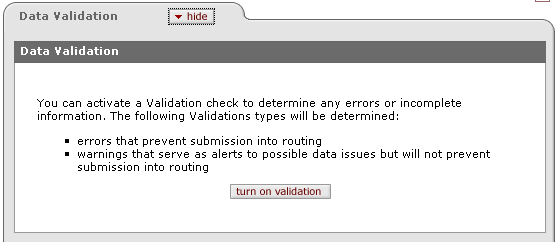
turn on validation |
Click to display errors and warning “fix” buttons that are linked to the corresponding sections in which they occur so that you can then fix them. | ||
|
For more information, see “Data Validation” on page Error! Bookmark not defined. in Common E-Doc Sections. |
|||

 Funded
Awards
Funded
Awards